In the darkroom. This engine is still being developed and tested; details can change.
WS-023 · FR 23 · Ad Factory
Cinematic Ad Edit Engine
Your clips and a track in, an ad cut on the beat with a word behind the model out.
A · Free · keyword BEATCUT
The preset and the shotlist
The preset this engine reads and the shotlist template it fills. Enough to run one shoot by hand and see if it fits your brand.
Fig. 1 · The board
A Input slot
a folder of clips + a licensed music track
B Engine
- 01video-edit
- 02voice-sound
- 03humanizer
route local · fallback gemini
C Contact sheet
ad.json, preview.mp4 (with the track, for review), upload.mp4 (voice and sfx, no commercial track), check frames
Data sheet
- Input
- a folder of clips + a licensed music track
- Output
- ad.json, preview.mp4 (with the track, for review), upload.mp4 (voice and sfx, no commercial track), check frames
- Models
- elevenlabs
- Route
- local (fallback gemini)
- Command
- /cinematic-ad
- Cost per run
- Local and free with the mock or macOS voice; optional voice lines cost ElevenLabs characters
- Maturity
- Working: used in production here
Fig. 2 · Sample output
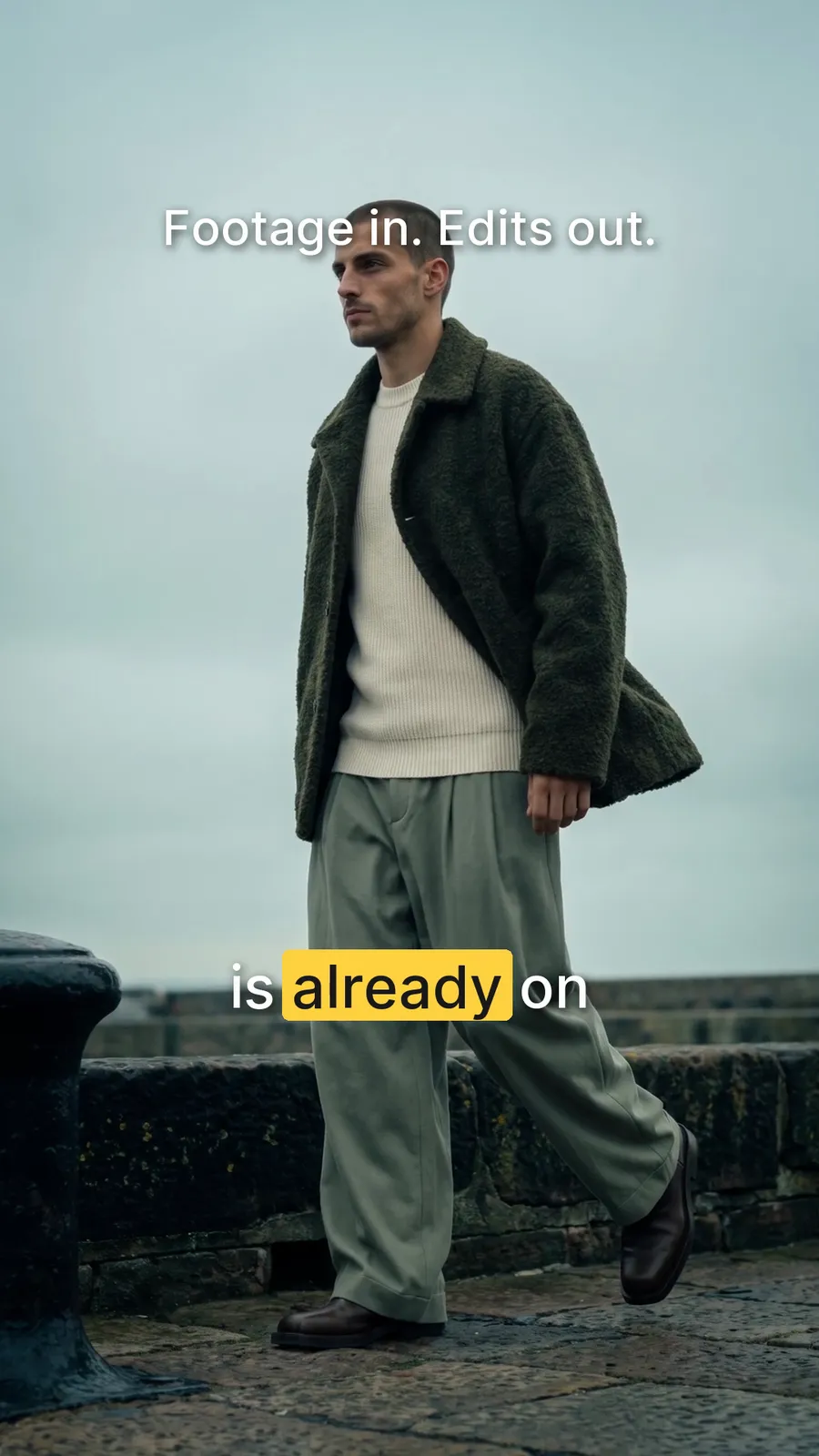
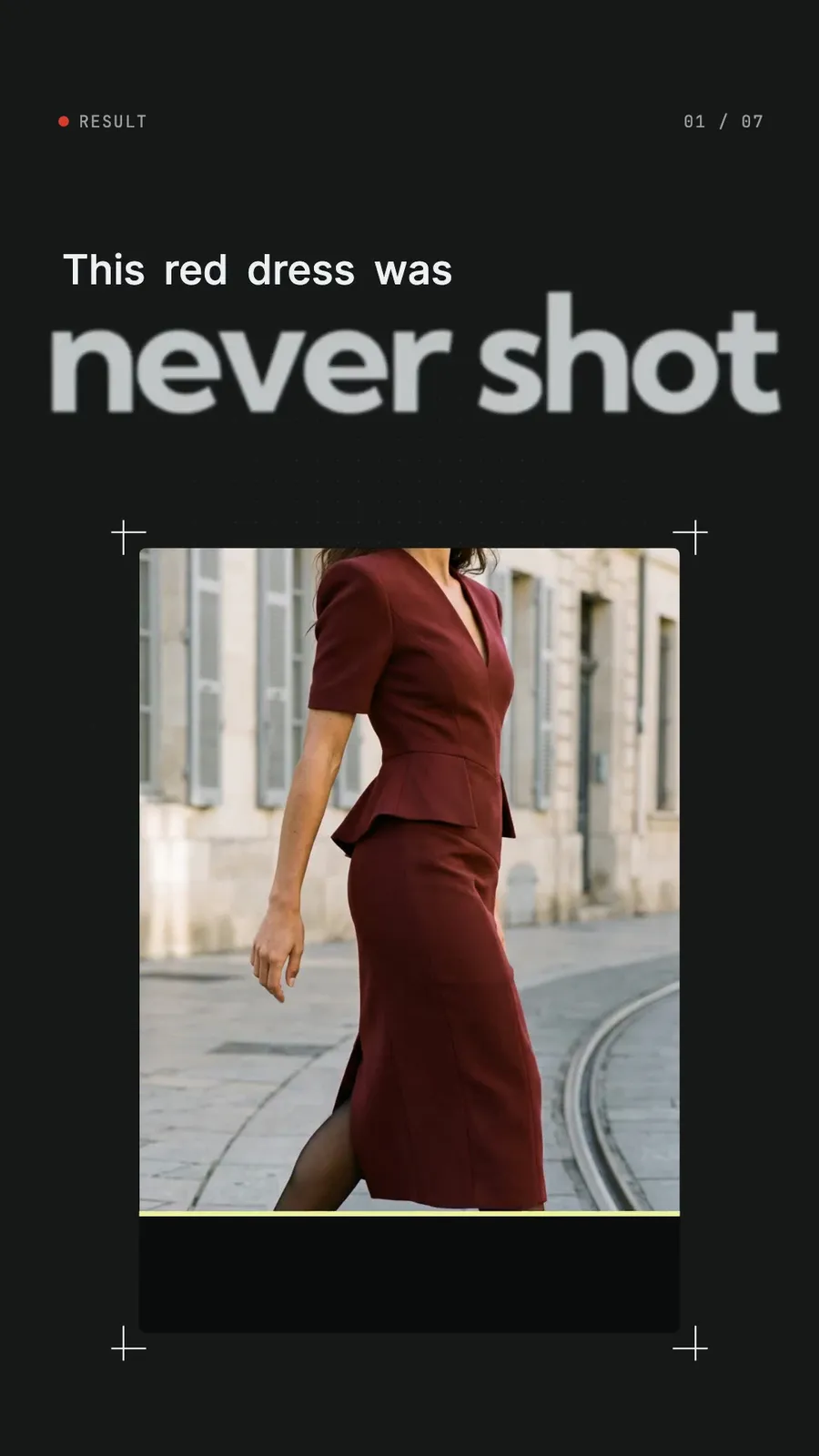
4 frames · real output from this engine
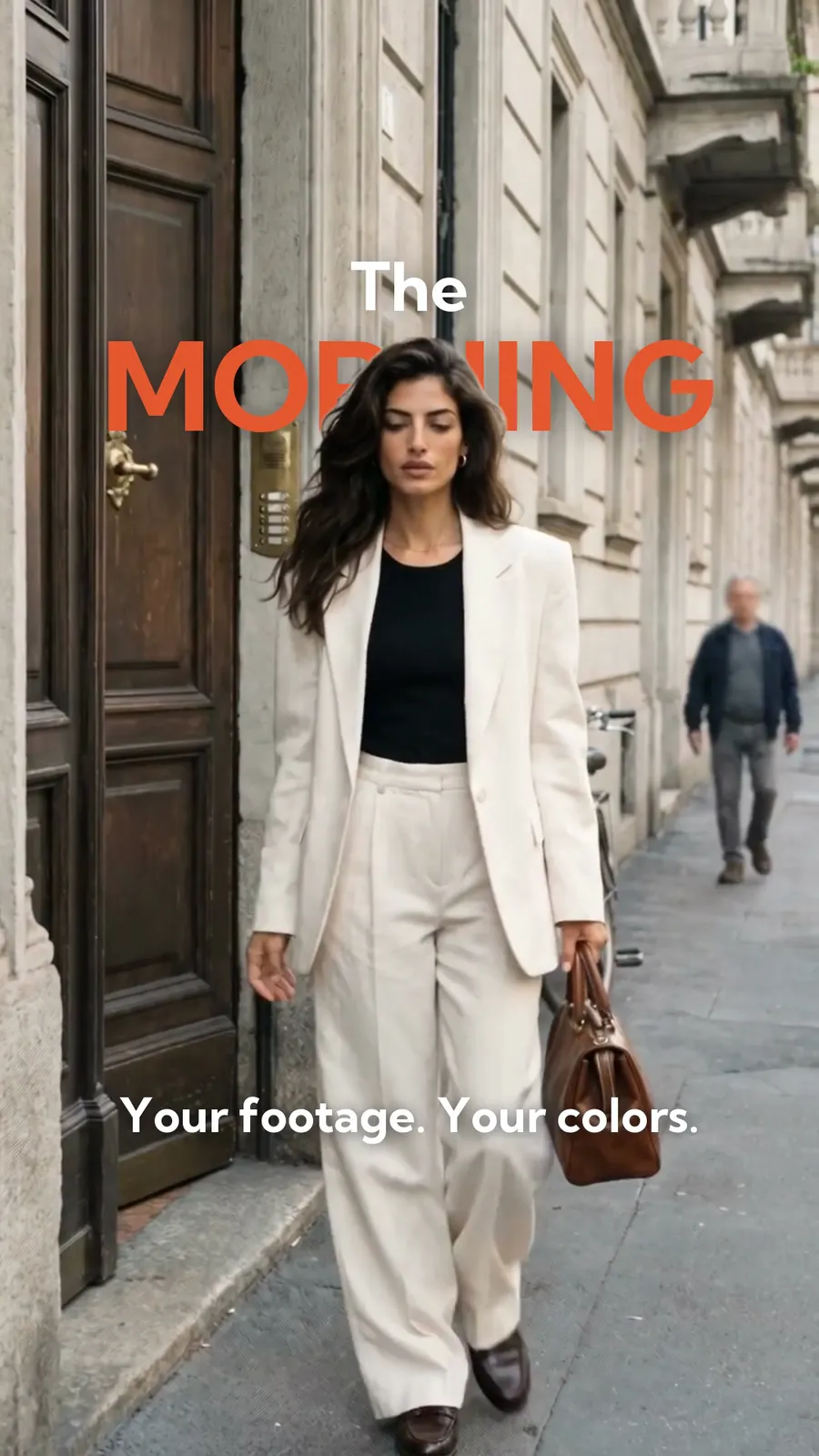
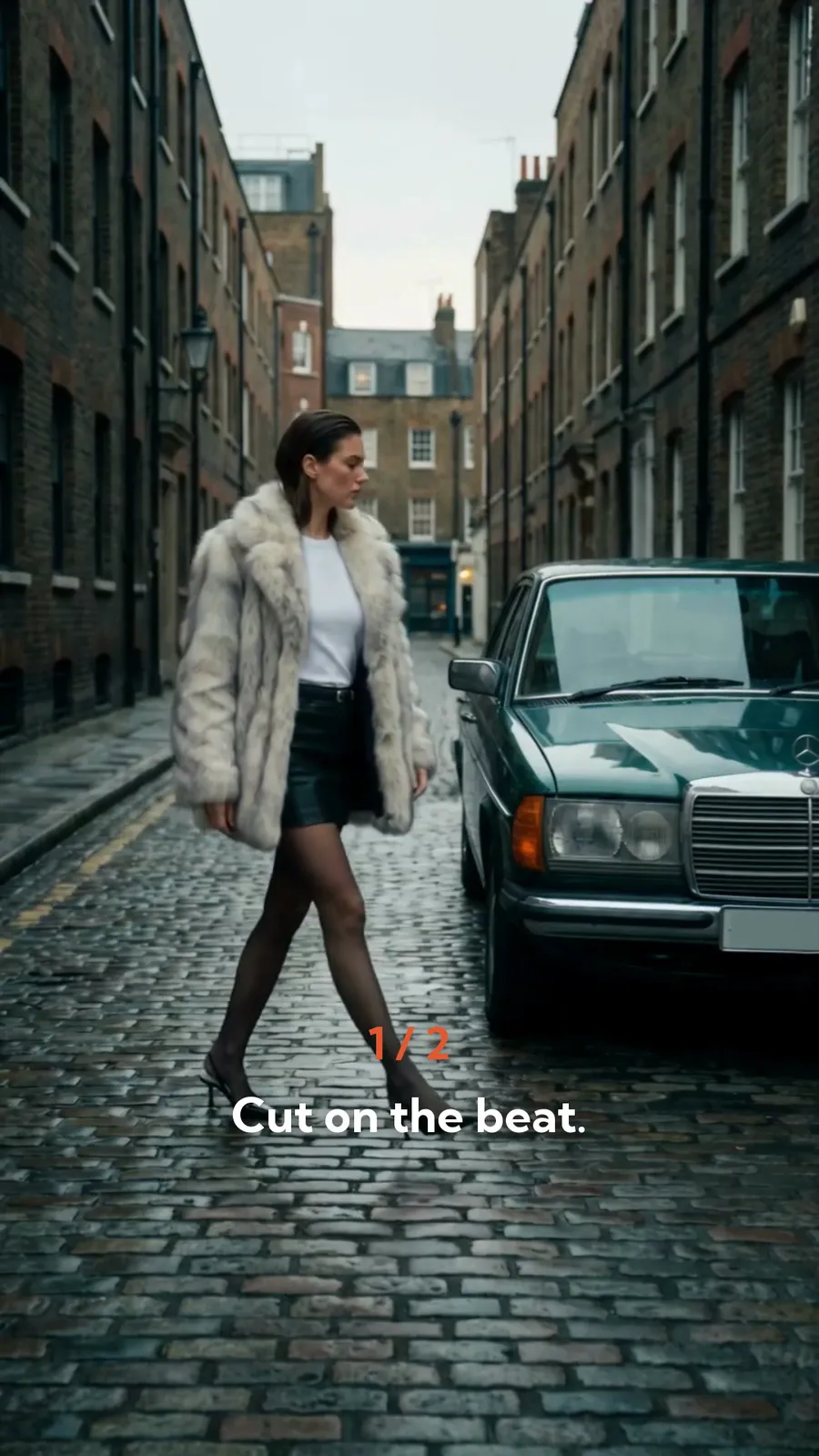
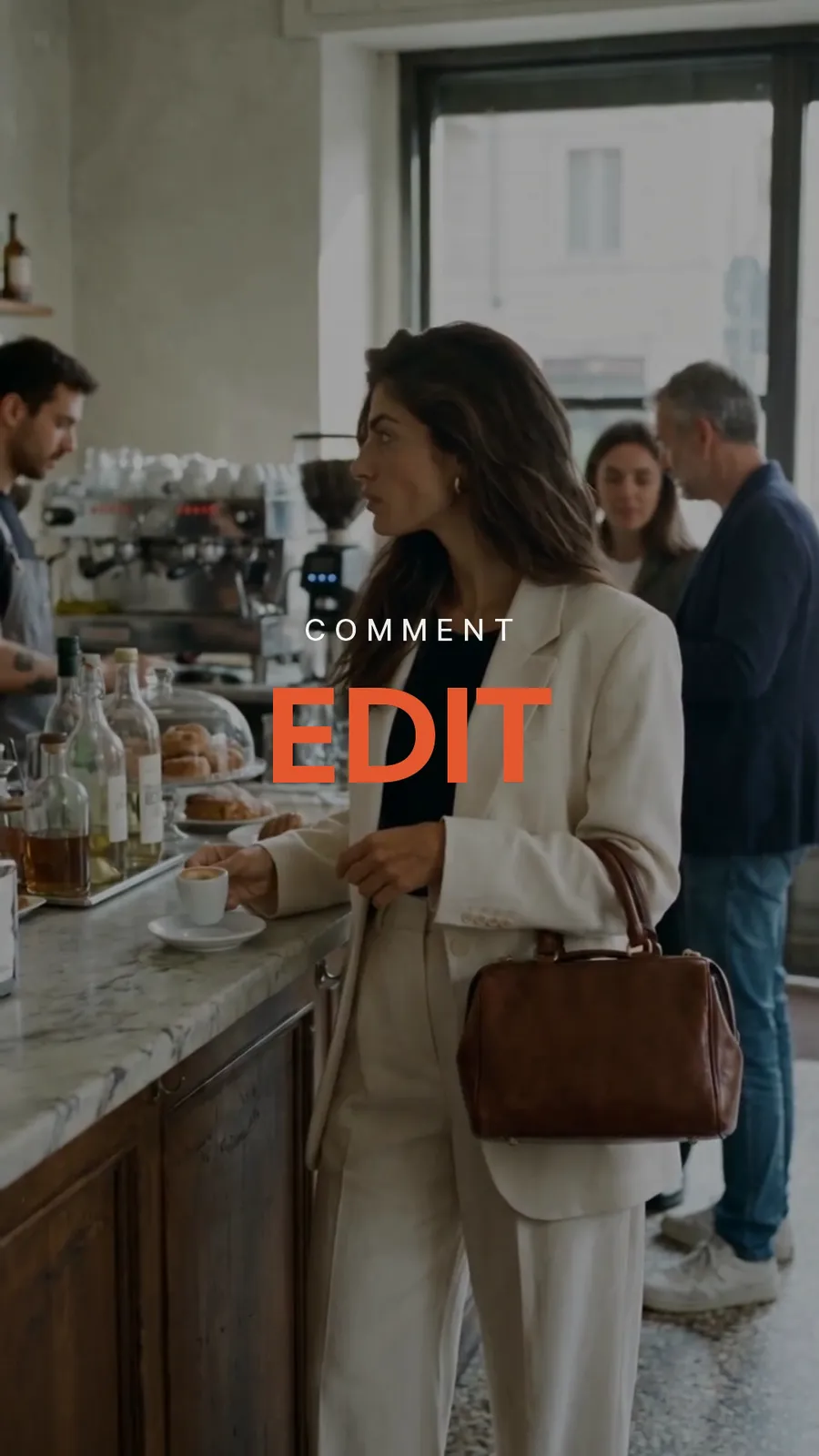
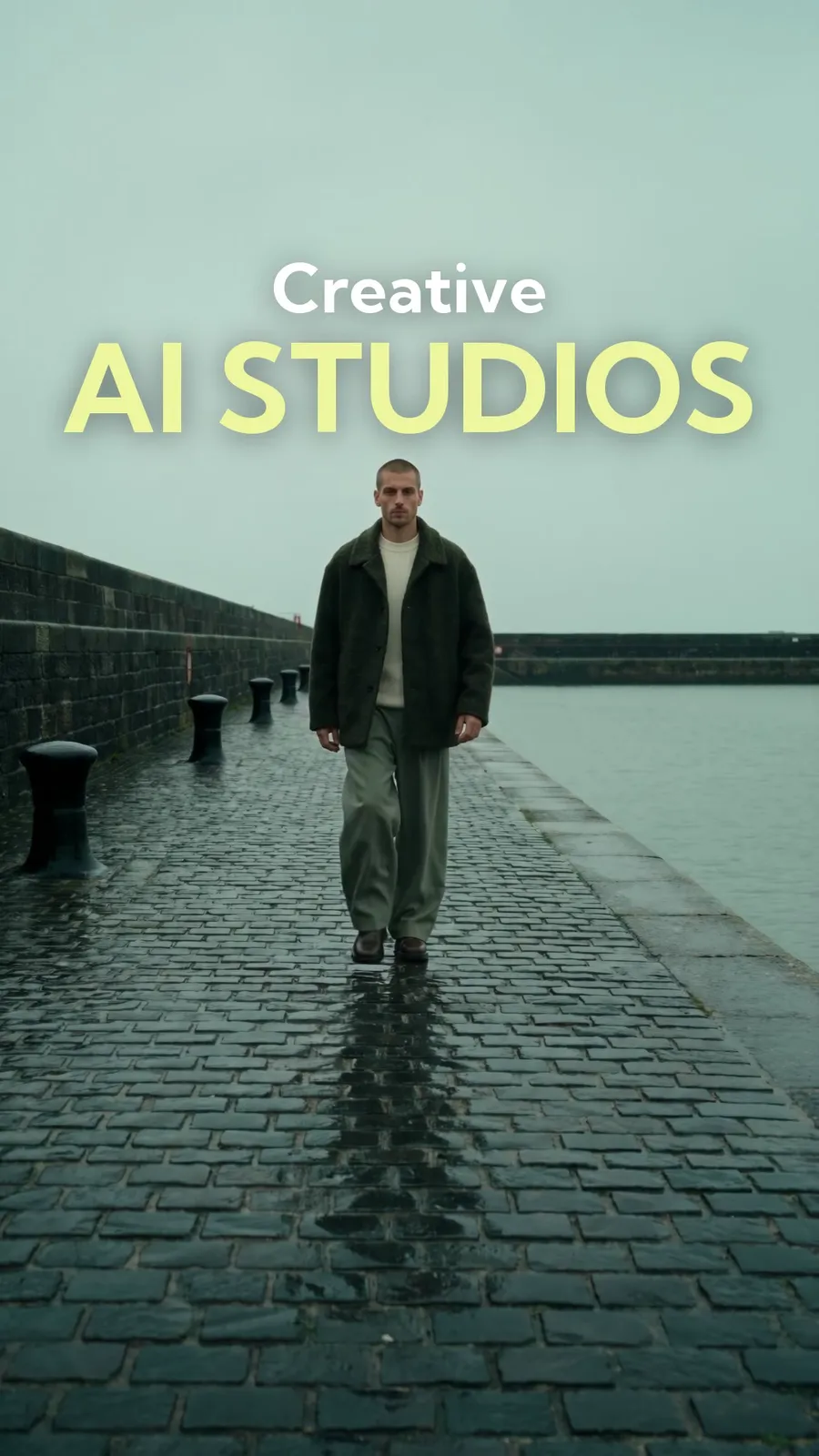
All images on this page are generated with this engine.
What it does
It finds the tempo and the drop of your track, cuts your clips on the beat with the strongest shot on the drop, sets
a few true claim lines low in the frame, puts at most two big words behind the model (a local cutout per frame) and
closes on a keyword card. Accent colour and display font come from the brand’s tokens.json.
What you see in the post
A model walking out of a doorway with one big word in the brand colour behind her head, then the claim lines on the beat, then the end card. A split screen shows the same ad with white words.
How it runs
uv run --with librosa python core/video/beats.py <track>: tempo, beats, the drop.- Pick the segments: steady motion, the best moment on the drop; the claim lines and the words through
humanizer(approval of the text). <render-dir>/ad.json, thencore/video/cinematic_ad.py <render-dir> --voice say(free) with check frames for every word behind the model.- Optional
--voice realafter the character count is approved;--voice keepre-cuts for free. - Review
preview.mp4;upload.mp4has no commercial track (added in the platform app at the printed start).
What you get (the giveaway)
- free: the beat-cut sheet (find the drop, three claim lines, the end card, the
ad.jsonfields) (../weadapt-studios-products/product/studios/video-edit-studio/free/) - studio: the Video Edit Studio for Claude Code and Codex
Honest limits
Mock-tested in the built studio on our own film footage (2026-10-29, mock voice). Words behind the model need macOS (Vision cutout) and a steady head; a head that climbs more than 150 px gets a warning. Claims must be true for the product. Our own cinematic ads (2026-10-29) run on the same engine with our house look.