In the darkroom. This engine is still being developed and tested; details can change.
WS-007 · FR 07 · Engine Run
Multi-Angle Product Sheet
One product photo in, a six-panel reference sheet that locks shape, color and logo out.
A · Free · keyword MULTIANGLE
The preset and the shotlist
The preset this engine reads and the shotlist template it fills. Enough to run one shoot by hand and see if it fits your brand.
Fig. 1 · The board
A Input slot
one or more photos of the product
B Engine
- 01product-sheet
- 02vision-qc
route higgsfield · fallback gemini
C Contact sheet
one 2x3 reference sheet (front, back, sides, top, detail) used as the identity anchor for every later shoot
Data sheet
- Input
- one or more photos of the product
- Output
- one 2x3 reference sheet (front, back, sides, top, detail) used as the identity anchor for every later shoot
- Models
- nano-banana-pro
- Route
- higgsfield (fallback gemini)
- Command
- /product-sheet
- Cost per run
- 1-2 Higgsfield image generations
- Maturity
- Working: used in production here
Fig. 2 · Sample output
1 frames · real output from this engine
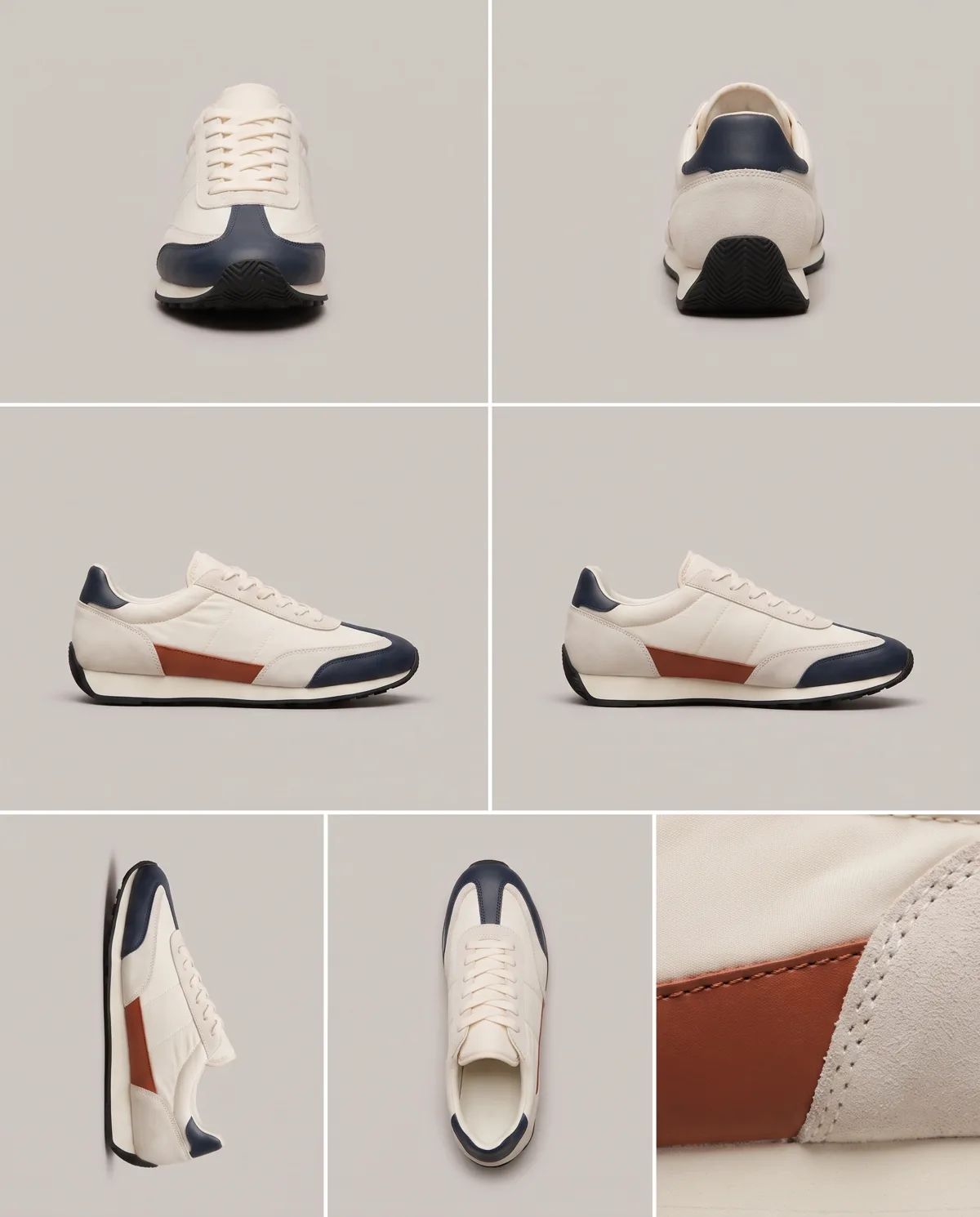
All images on this page are generated with this engine.
What it does
It builds one reference image that shows the product from every side, with shape, color, material and logo placement matching the photo. Every later shoot uses this sheet as its anchor, which is why the product looks the same in frame one and frame twelve.
What you see in the post
The board: the input slot holds one photo. A six-cell grid with crop marks appears and the cells develop in
order (FRONT, BACK, LEFT, RIGHT, TOP, DETAIL). A loupe checks the logo against the original.
How it runs
/product-sheetwith the product photo(s).- Renders via Higgsfield (Nano Banana Pro) after the
--dry-runcost line is approved. vision-qccompares the sheet with the source; the sheet is stored with the product in the Studio Brain.
What you get (the giveaway)
- free: the reference-sheet layout and the photo checklist for a good source image (
../weadapt-studios-products/product/studios/product-studio/free/) - studio: the Product Studio for Claude Code and Codex
Honest limits
Sides the source photo never shows are inferred; check them. Products with many small parts need more than one source photo. Working.
More from the Product Studio
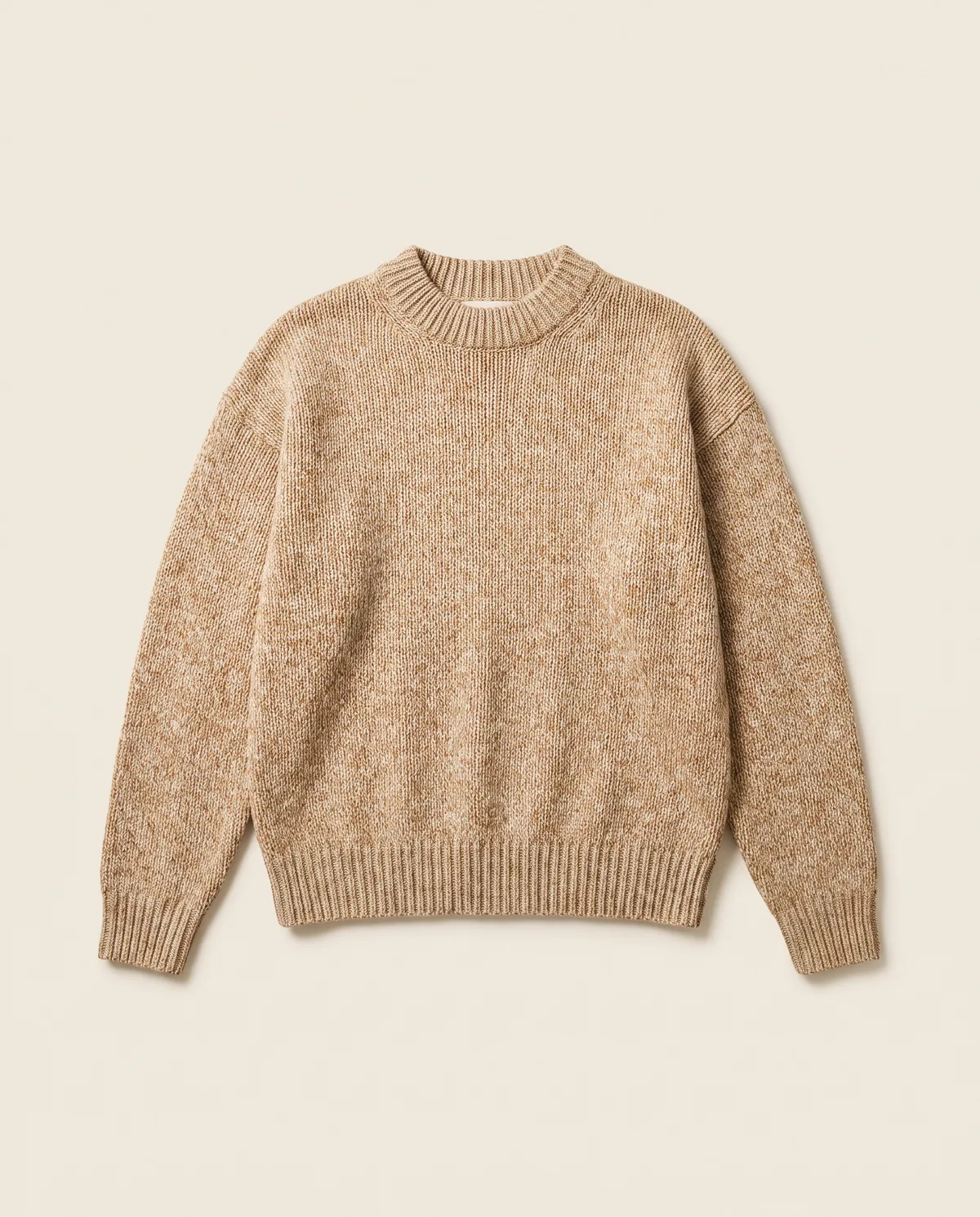
Packshot Engine
One phone photo in, clean e-commerce packshots from three or four angles out.
Keyword PACKSHOT
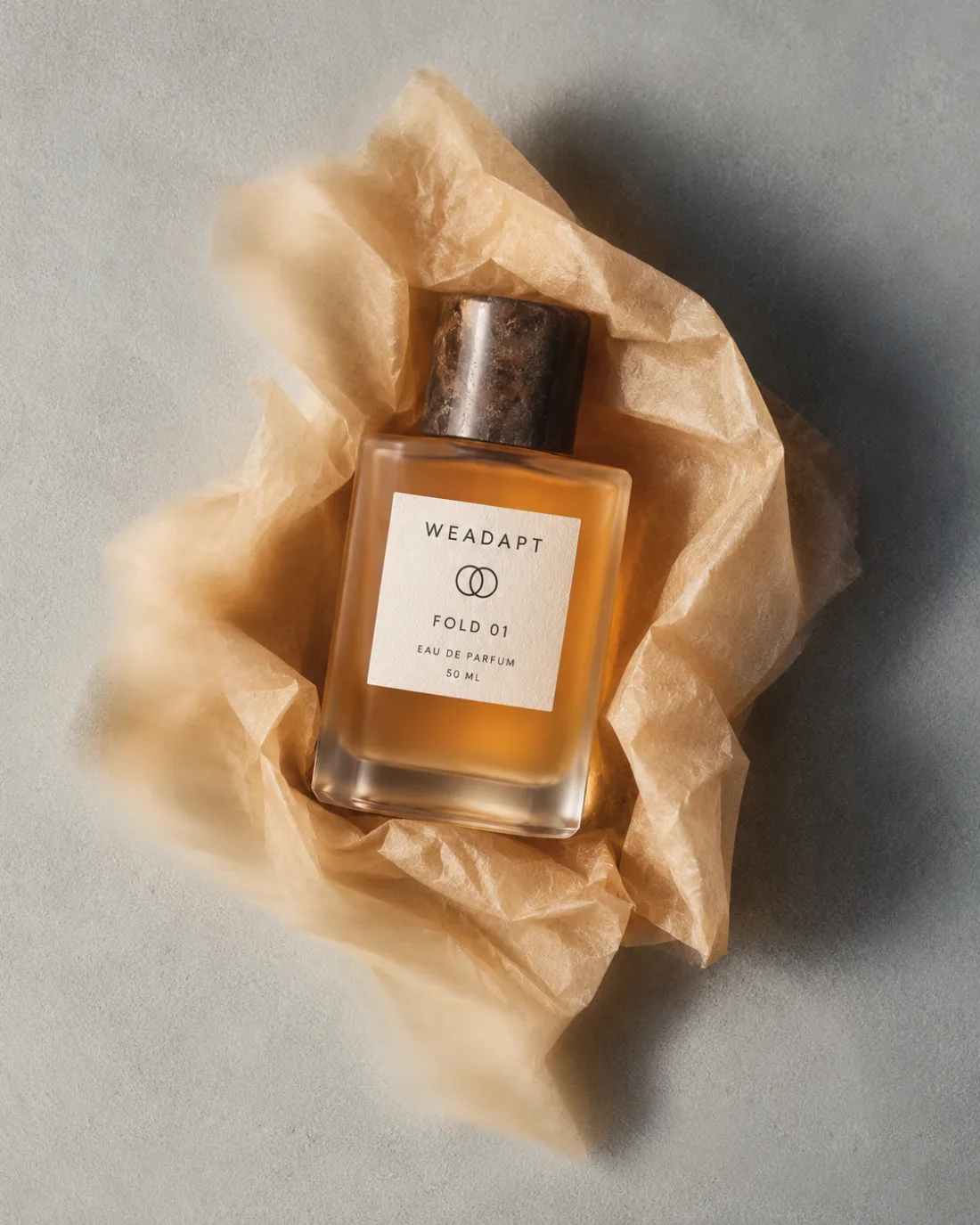
Lifestyle Shoot Engine
One product photo in, a twelve-frame lifestyle shoot in your brand's look out.
Keyword LIFESTYLE
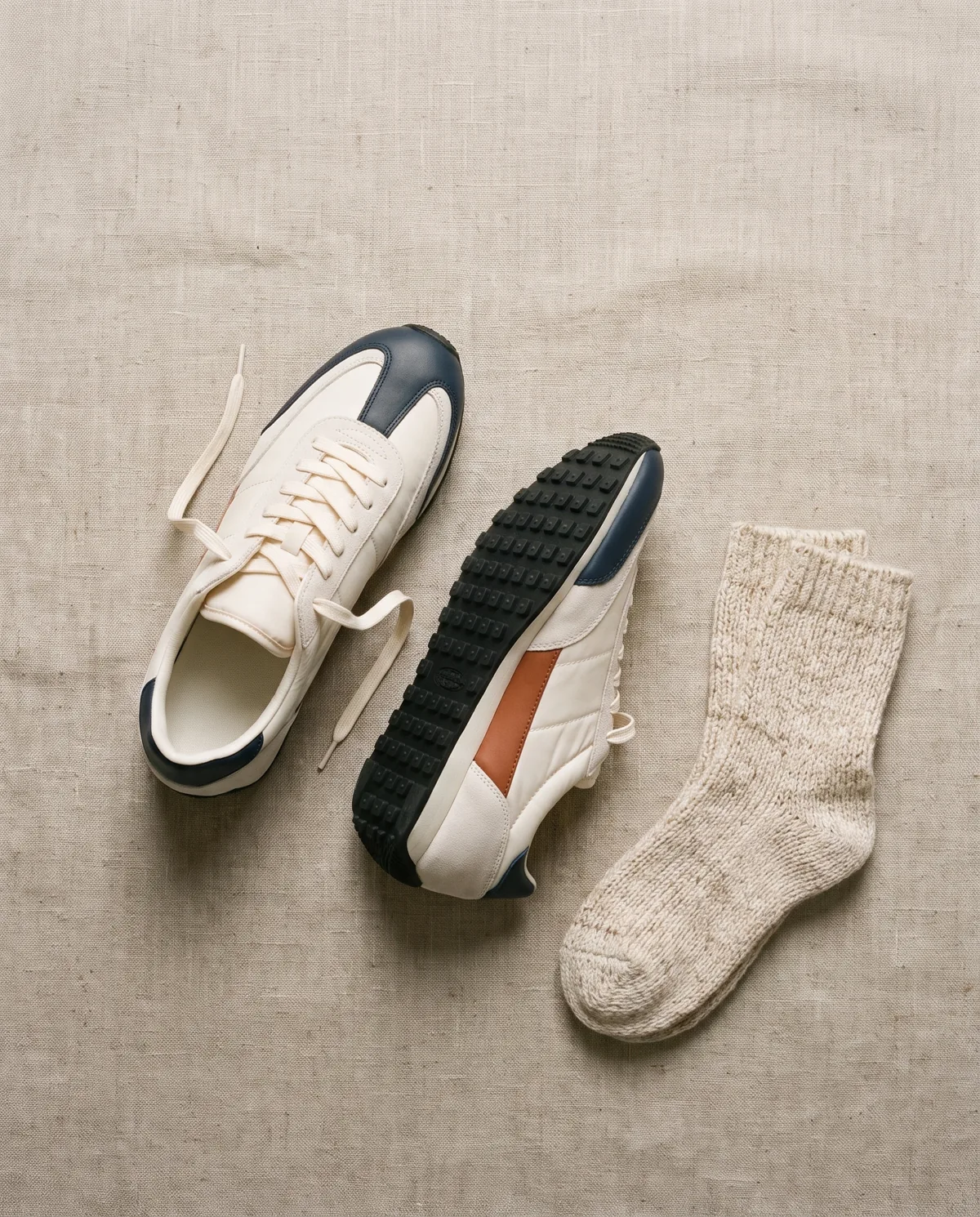
Flat Lay Engine
A few product photos in, styled top-down flat lays with props out.
Keyword FLATLAY