In the darkroom. This engine is still being developed and tested; details can change.
WS-004 · FR 04 · Engine Run
Packshot Engine
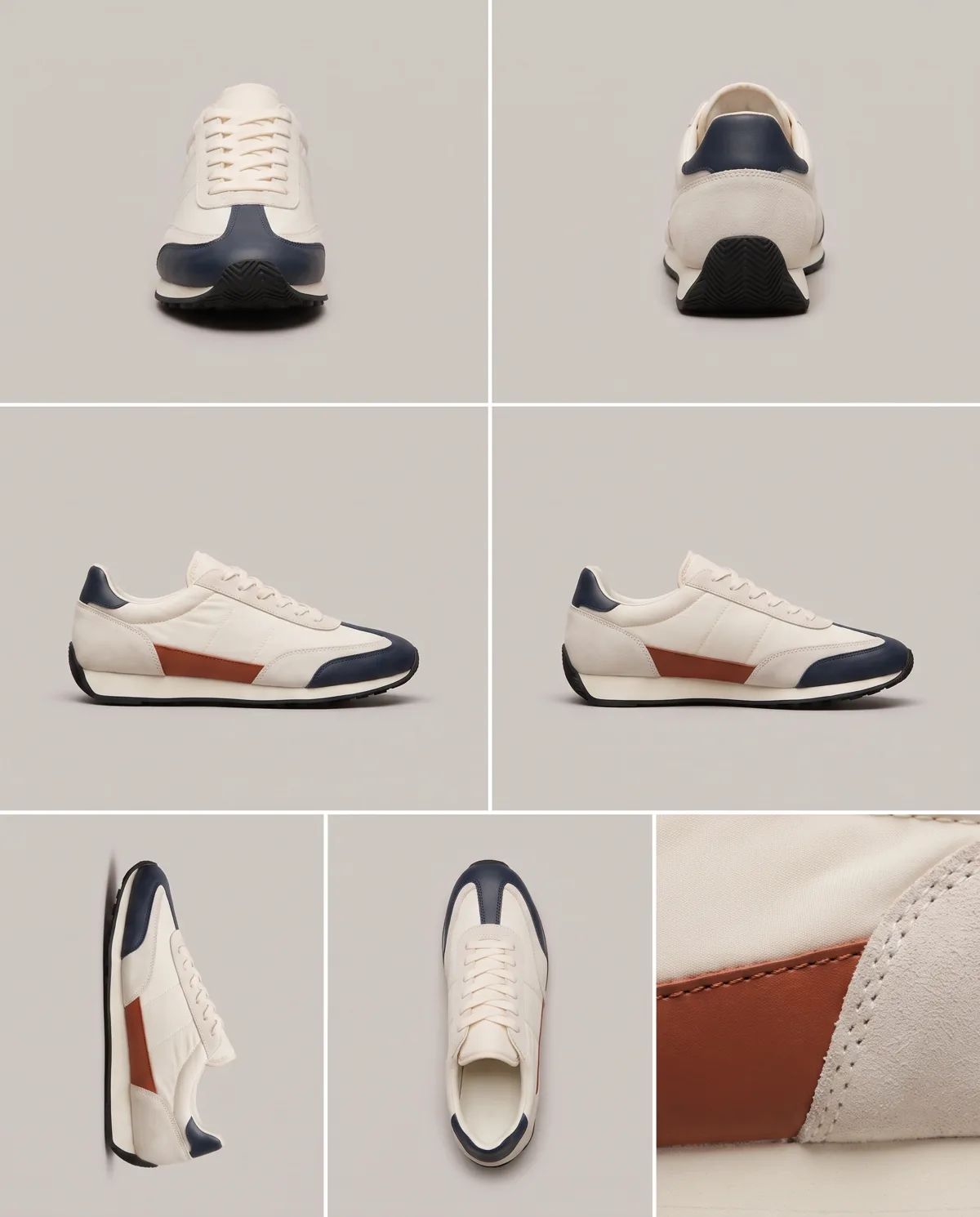
One phone photo in, clean e-commerce packshots from three or four angles out.
A · Free · keyword PACKSHOT
The preset and the shotlist
The preset this engine reads and the shotlist template it fills. Enough to run one shoot by hand and see if it fits your brand.
Fig. 1 · The board
A Input slot
one or more product photos (phone is fine)
B Engine
- 01ecom-packshot
- 02product-sheet
- 03vision-qc
route higgsfield · fallback gemini
C Contact sheet
3-4 angle variants per product, 4:5 and 1:1, on a chosen studio backdrop (white, light grey, warm sand)
Data sheet
- Input
- one or more product photos (phone is fine)
- Output
- 3-4 angle variants per product, 4:5 and 1:1, on a chosen studio backdrop (white, light grey, warm sand)
- Models
- nano-banana-pro · gpt-image
- Route
- higgsfield (fallback gemini)
- Command
- /product-shoot
- Cost per run
- ~4 Higgsfield image generations per product
- Maturity
- Working: used in production here
Fig. 2 · Sample output
2 frames · real output from this engine
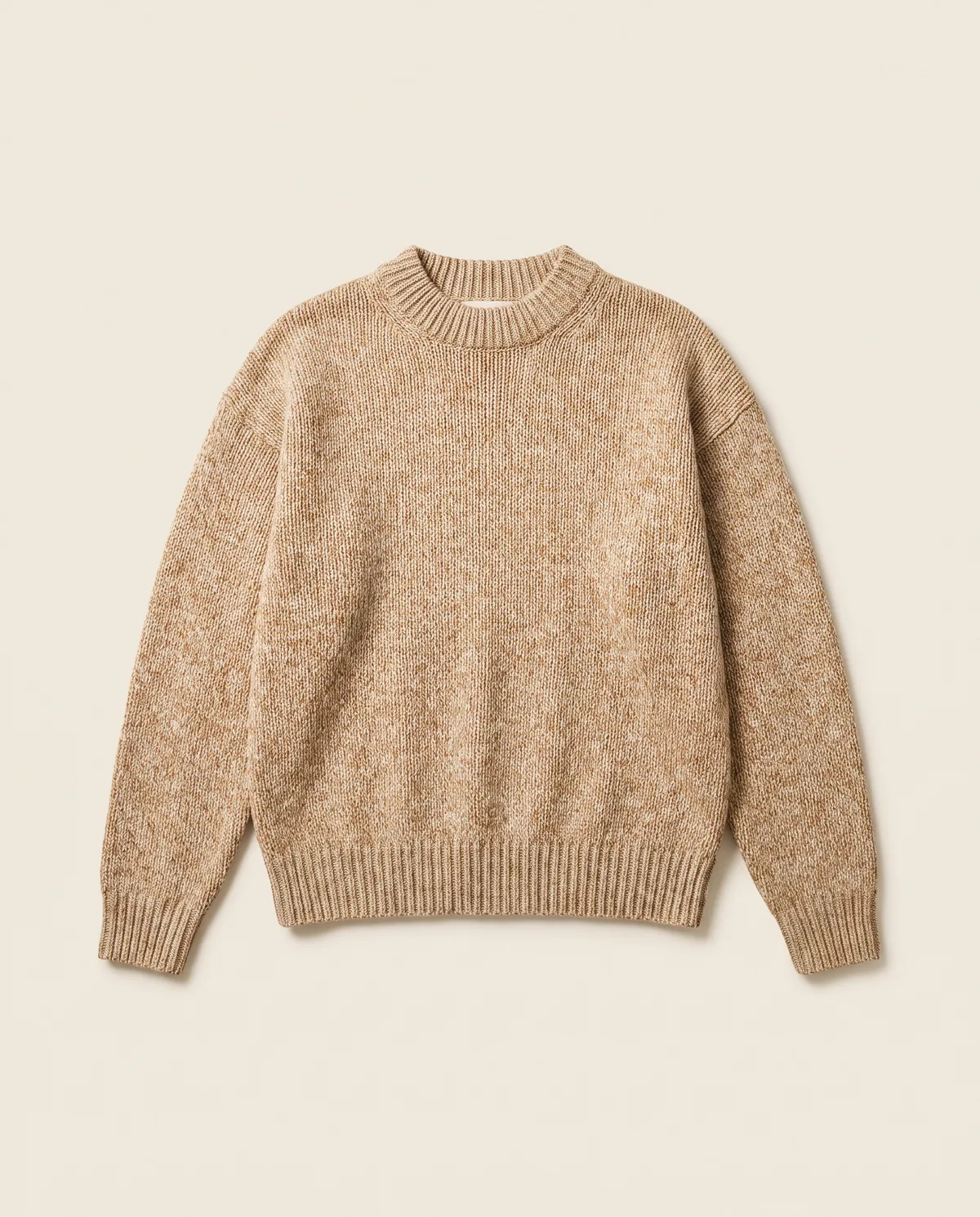
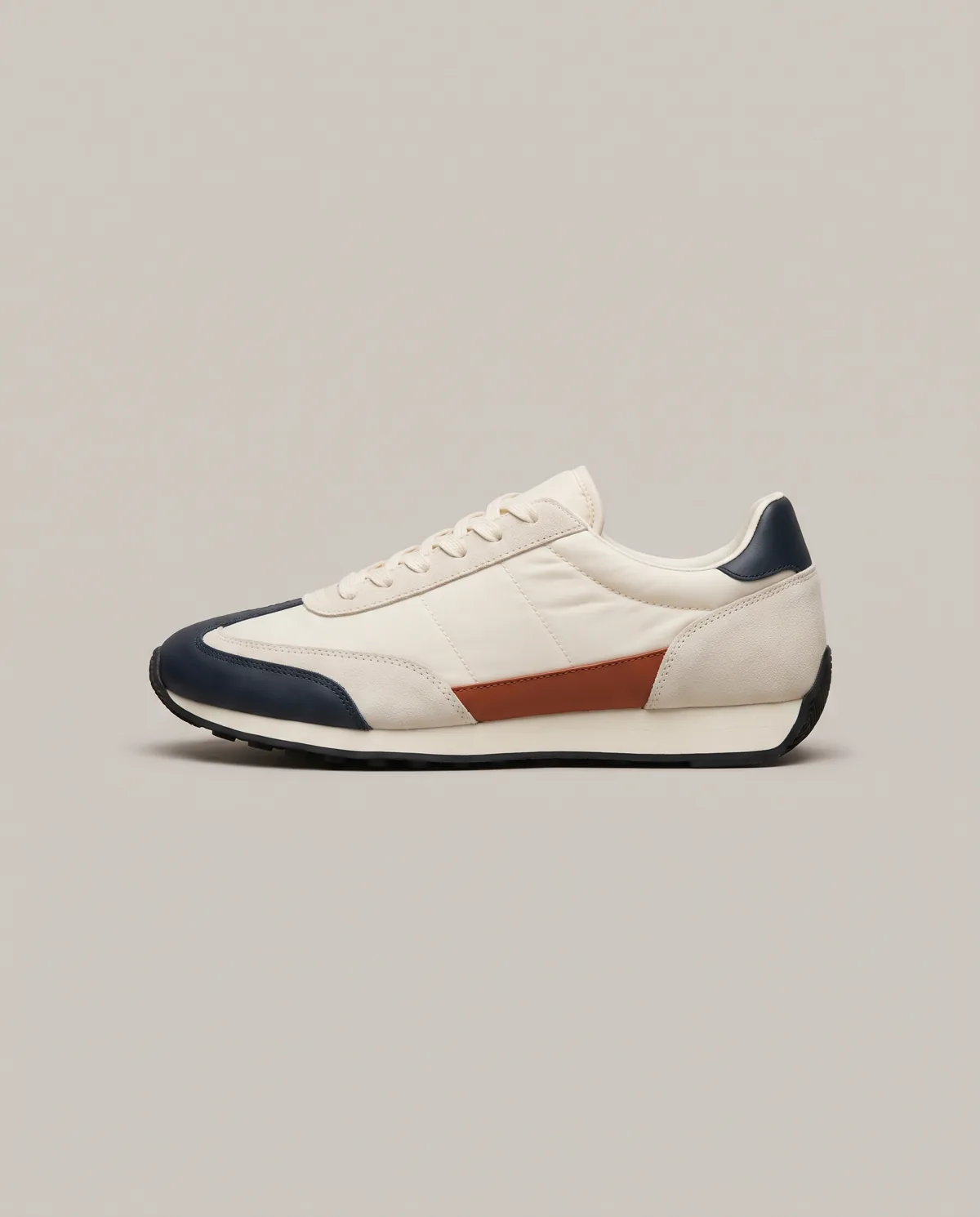
All images on this page are generated with this engine.
What it does
It turns a quick photo of a product into the clean studio images a shop page needs: centred, evenly lit, on a plain backdrop, from several angles. The product stays the product; only the light and the backdrop change.
What you see in the post
The board: the input slot holds a messy phone photo on a kitchen table. A white sweep draws itself, a big soft light appears above, and the packshots develop in the tray one by one. The contact sheet shows the angles; QC marks the selects.
How it runs
/product-shoot(planned studio command) or/ecom-packshotdirectly.- Backdrop and angles are chosen;
core/studio/tools/packshot.pyprepares the job. --dry-runprints the cost line; after approval the engine renders via Higgsfield (Nano Banana Pro).vision-qcchecks each frame; exports land inoutput/.
What you get (the giveaway)
- free: the packshot preset (backdrop, light, angles) + a packshot shotlist template (
../weadapt-studios-products/product/studios/product-studio/free/) - studio: the Product Studio for Claude Code and Codex
Honest limits
Reflective and transparent products (glass, chrome) need more retries. Tiny text on labels can blur; QC flags it. Working: the skill and the engine run in this repo.
More from the Product Studio
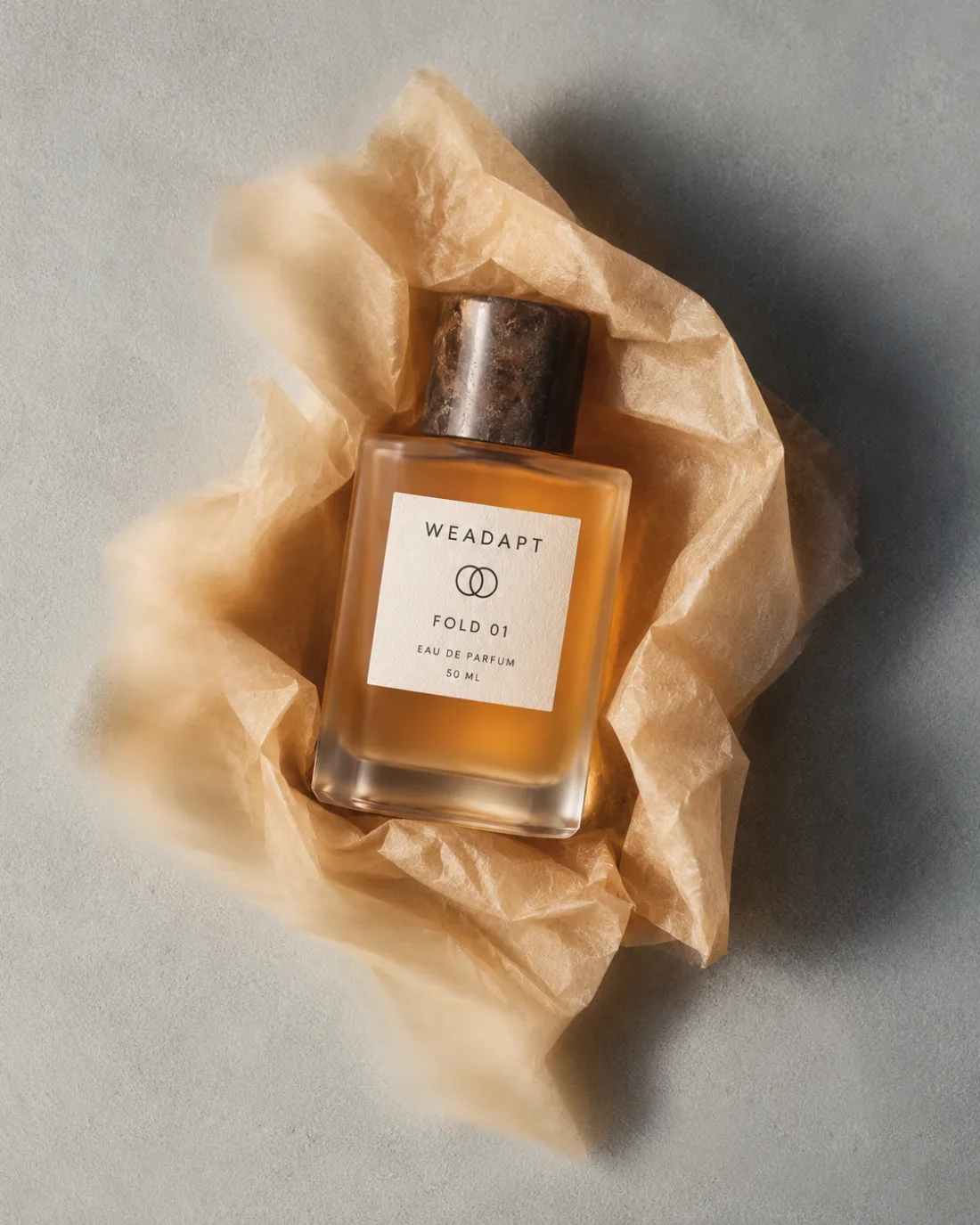
Lifestyle Shoot Engine
One product photo in, a twelve-frame lifestyle shoot in your brand's look out.
Keyword LIFESTYLE
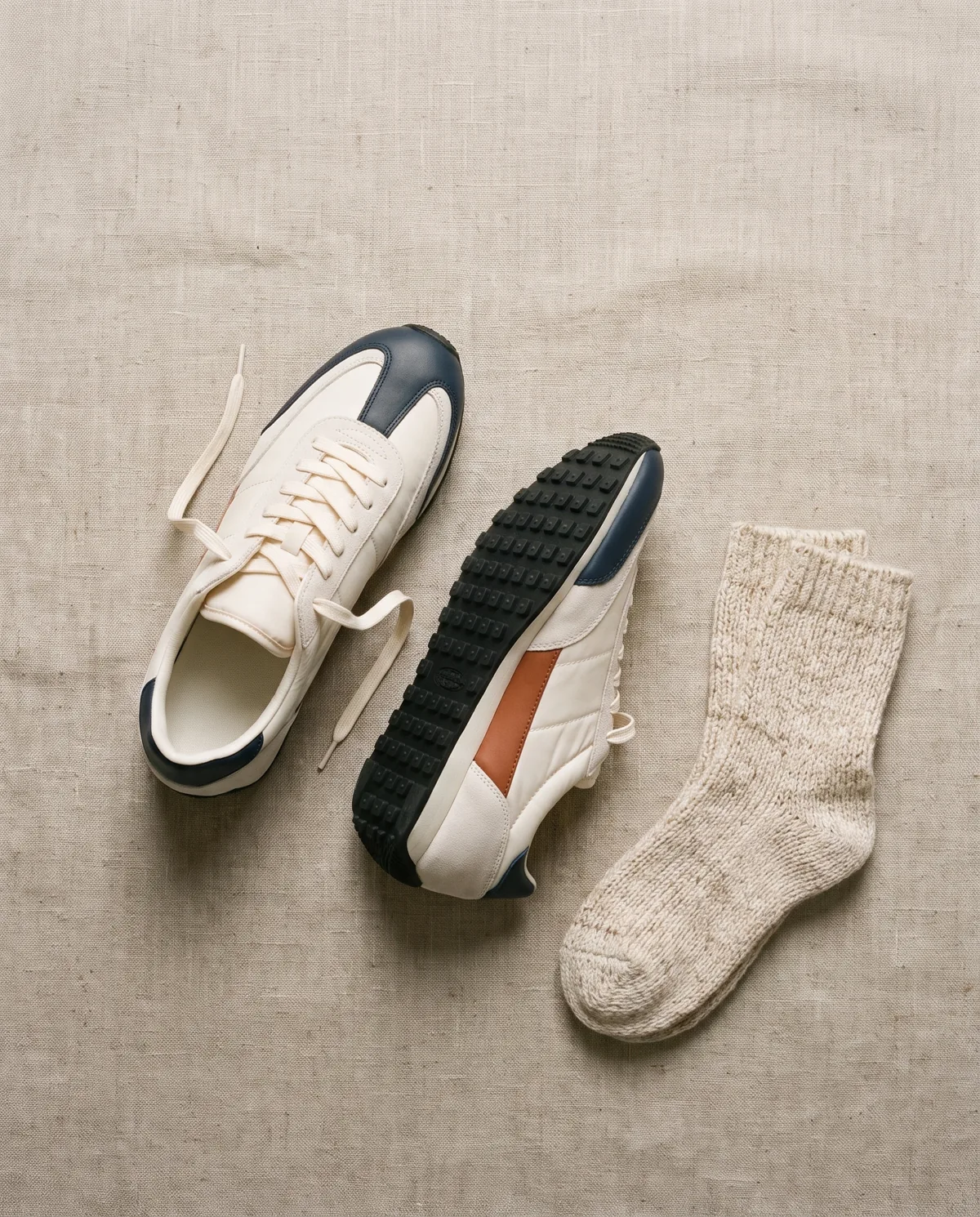
Flat Lay Engine
A few product photos in, styled top-down flat lays with props out.
Keyword FLATLAY
Multi-Angle Product Sheet
One product photo in, a six-panel reference sheet that locks shape, color and logo out.
Keyword MULTIANGLE